
Books and bank feed
Your numbers, without the bookkeeping nightmare.
Real double-entry accounting that lives where your invoices and bills live. Transactions arrive with suggested categories, receipts are read for you, and 1099 time is a report. Prefer your accountant's tool? Turn the books off and everything else still works.
The problem
Your money lives in three systems that never agree.
Invoices in one tool, expenses in a spreadsheet, the bank in another tab, and a sync that breaks every few months. Month end is a weekend.
01Books
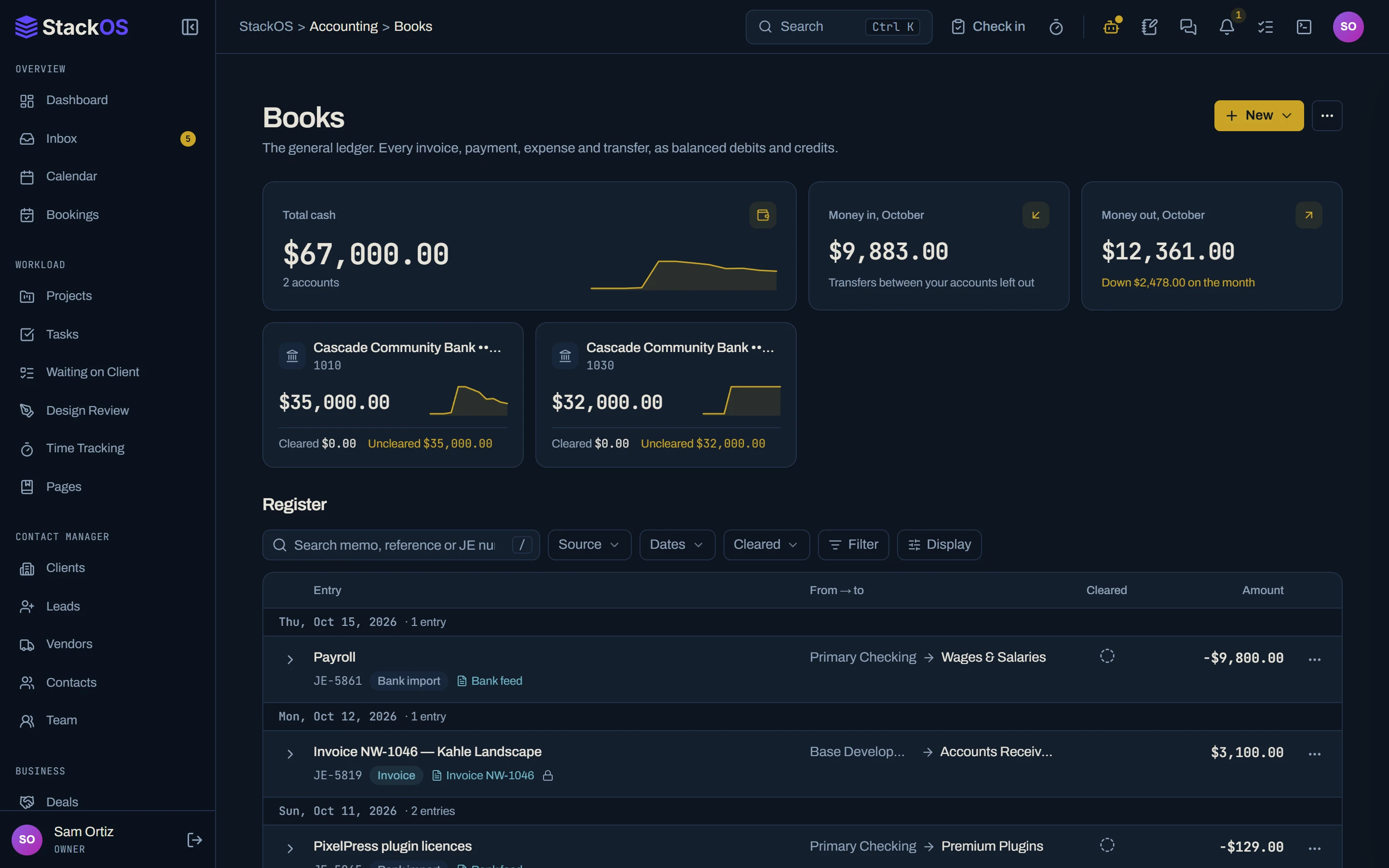
A real ledger, not a sync
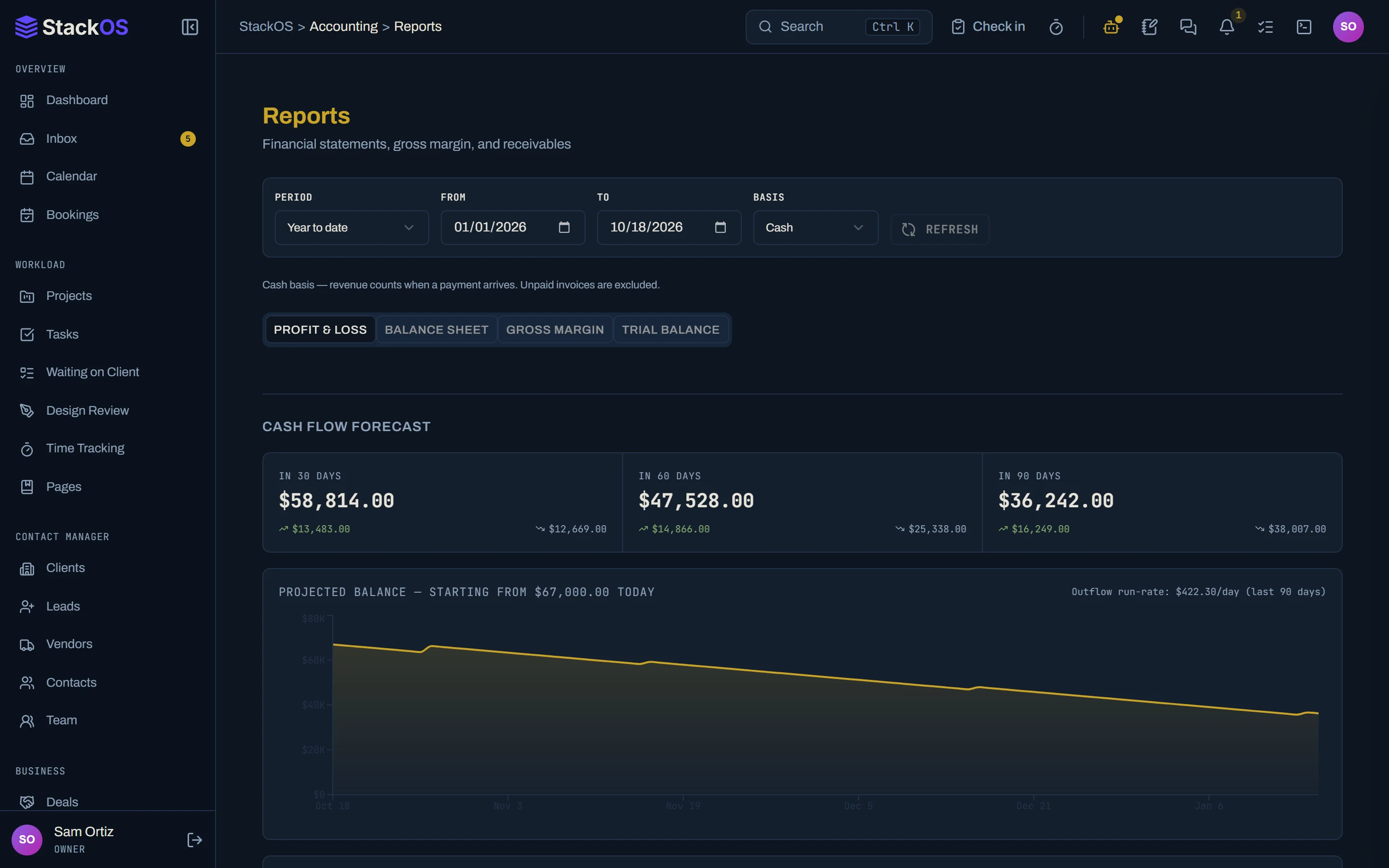
A full double-entry ledger with a chart of accounts, periods, journal entries, and financial reports. Invoices and payments post on their own.
- Books
02Bank feed and reconciliation
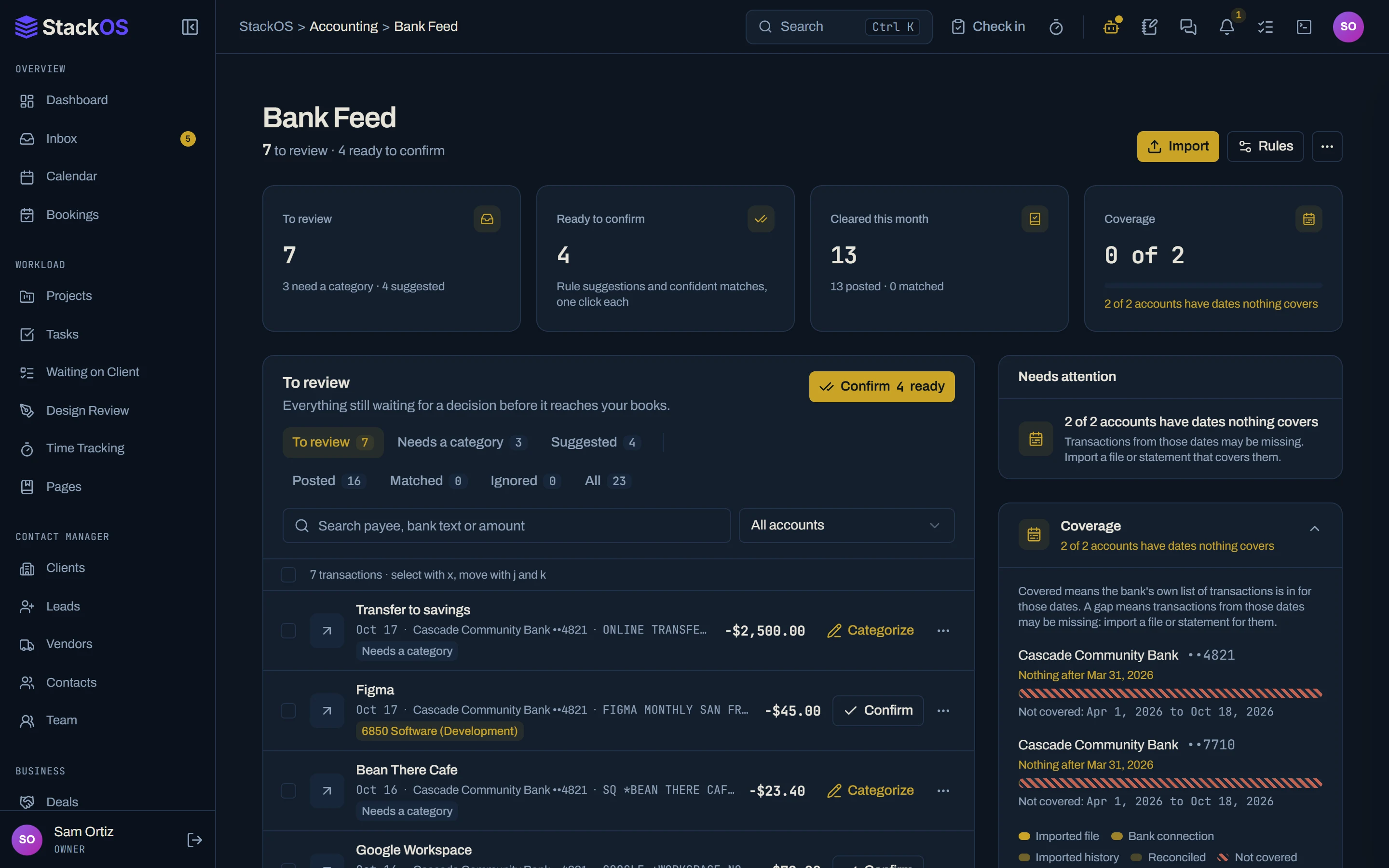
Bank feed with suggested categories
Bring in transactions by bank connection or statement upload. StackOS suggests the account, applies your rules, reads uploaded receipts, and helps you reconcile.
- Bank feed and reconciliation
03Bills and commitments
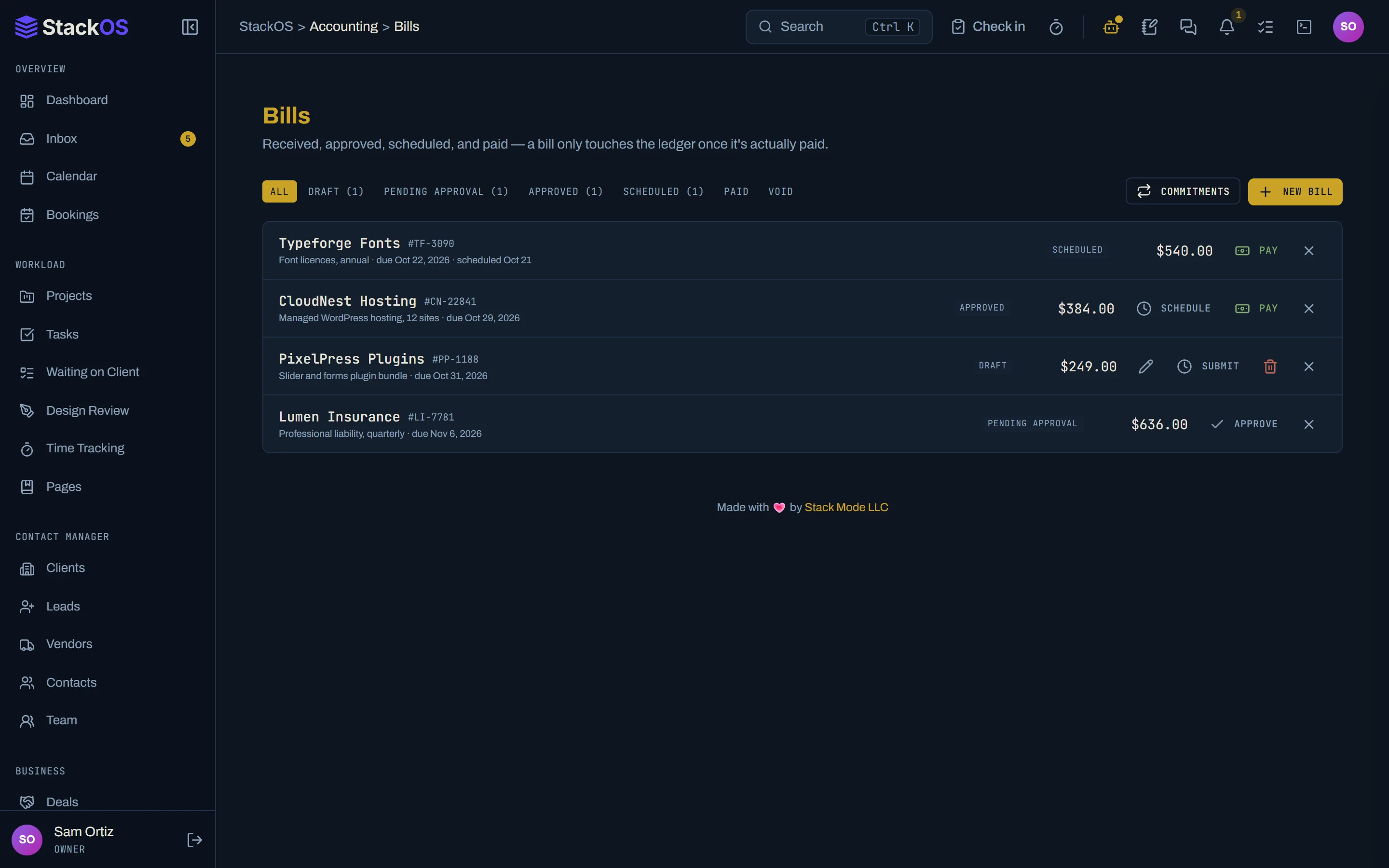
Bills, commitments, and contractors
Vendor bills with approvals and anomaly flags, recurring commitments that know about autopay, and contractor payments rolled up into 1099 totals.
- Bills and commitments
- Contractors and 1099s
04Ledger import
Bring your history with you
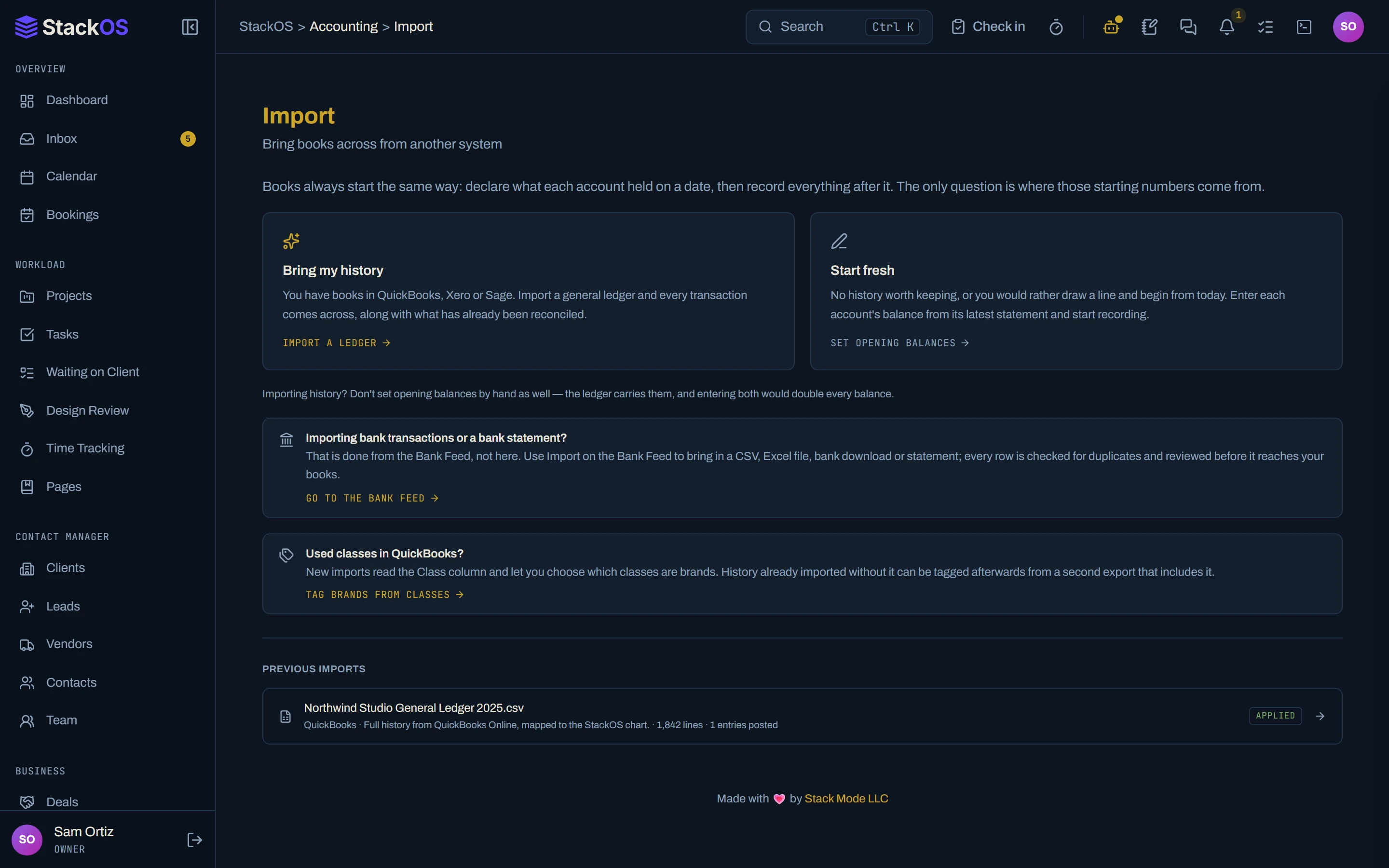
Import general ledger history and bank files from QuickBooks, Xero, and Sage exports, with a preview before anything is saved and an undo if you change your mind.
- Ledger import
What's included
Everything in Accounting.
Included on every plan, with nothing to add on.
Books
Real double-entry accounting that lives where your invoices and bills live.
Bank feed and reconciliation
Transactions arrive with suggested categories and receipts read for you; you review.
Bills and commitments
See what you owe and what renews, with approvals and anomaly flags.
Contractors and 1099s
1099 time is a report, not a weekend.
Ledger import
Bring QuickBooks, Xero, or Sage history with a preview and undo.
Works with the rest of StackOS
The books already know your clients.
Every invoice, payment, and bill posts against the right client and vendor, so profit by client and the cost to serve each one come from the same records.
A fair question
“My accountant only works in QuickBooks.”
Then keep QuickBooks for now. Everything else in StackOS works with the books turned off. If you ever want one less tool, the ledger is real double-entry and your history imports in.
Frequently asked questions
Is it real double-entry accounting?
Can I connect my bank?
Can I use StackOS without the accounting?
Run your whole web studio in one place.
Start with one client. See the difference in a week.
25 web studios. Free during the beta.