
Team and workspace
Grow the team without handing over the keys.
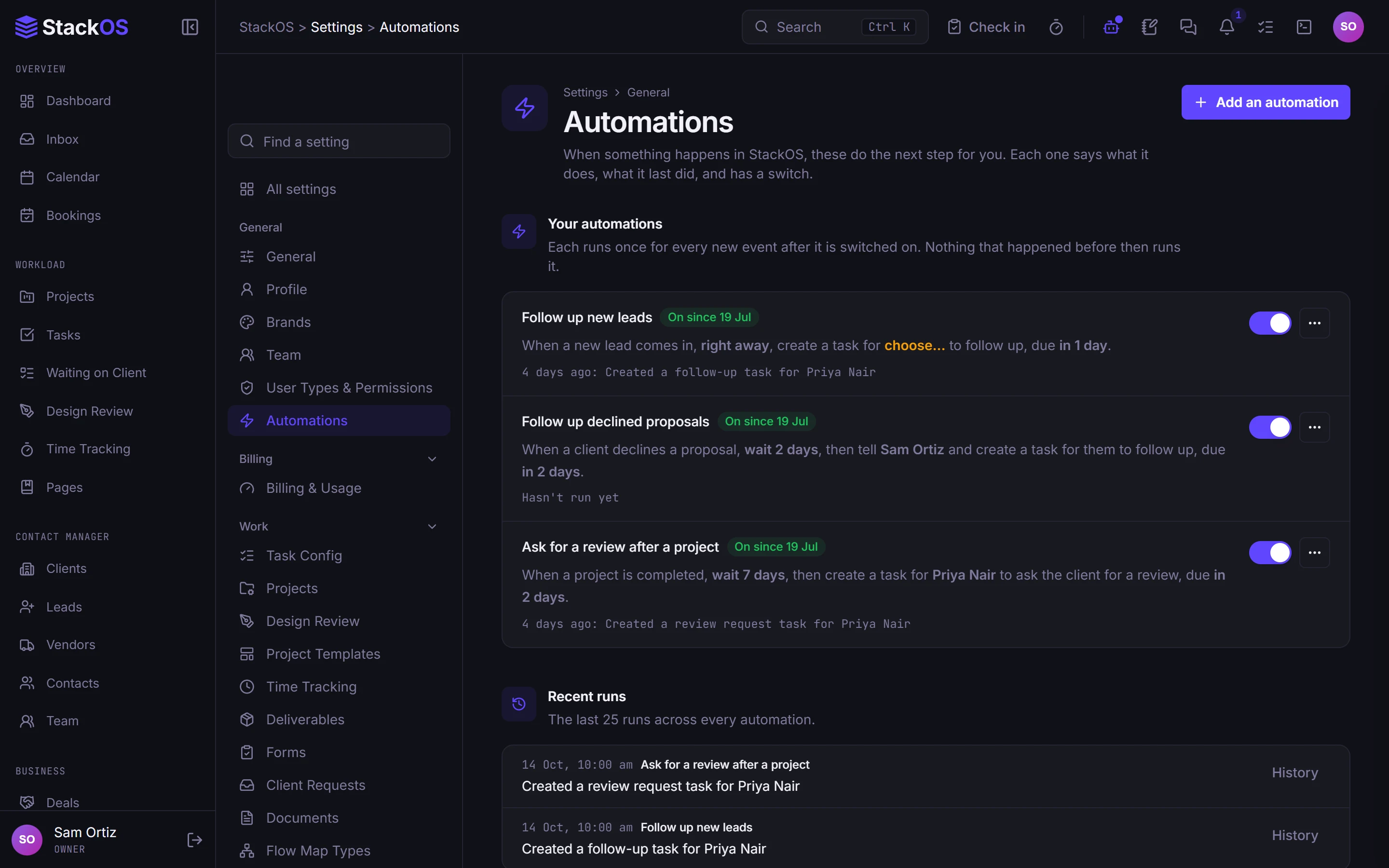
Permission levels for every module, View As to check what someone sees, an encrypted vault with a passcode lock, team chat, a shared calendar, booking pages, internal Pages for your SOPs, and ready-made automations.
The problem
Your first hire gets the keys to everything.
Shared passwords, one admin login, chat in one app, SOPs in another, and no way to give a contractor access to one project without showing them the books.
01Team and permissions
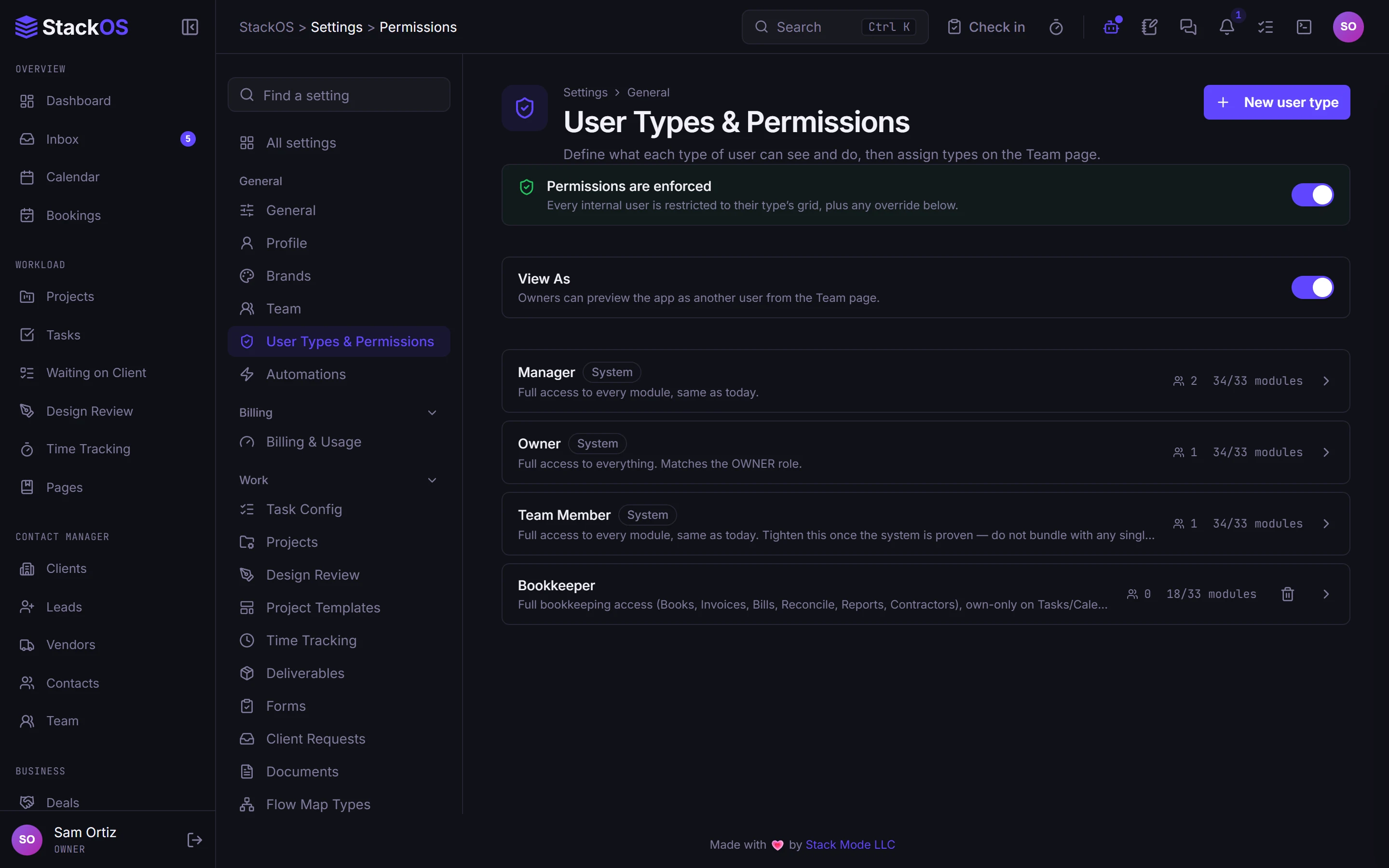
Permissions that match your team
Invite-only staff accounts, user types, and a permission level for each module. Use View As to see exactly what a teammate sees.
- Team and permissions
- Org chart
02Vault
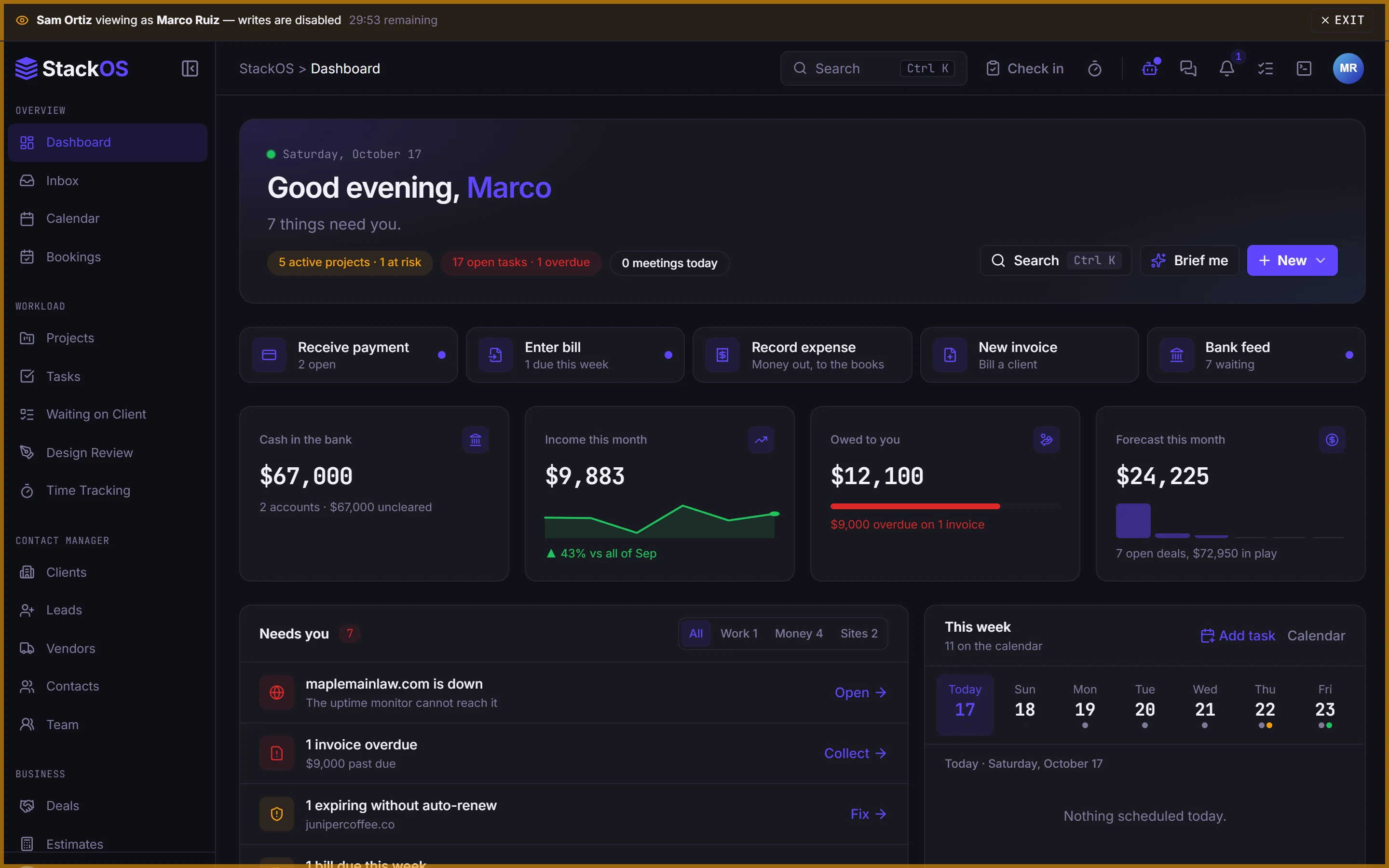
A vault for every login
Encrypted passwords in folders with a passcode lock, shared with a client or teammate only when you choose, with import and export.
- Vault
03Team chat
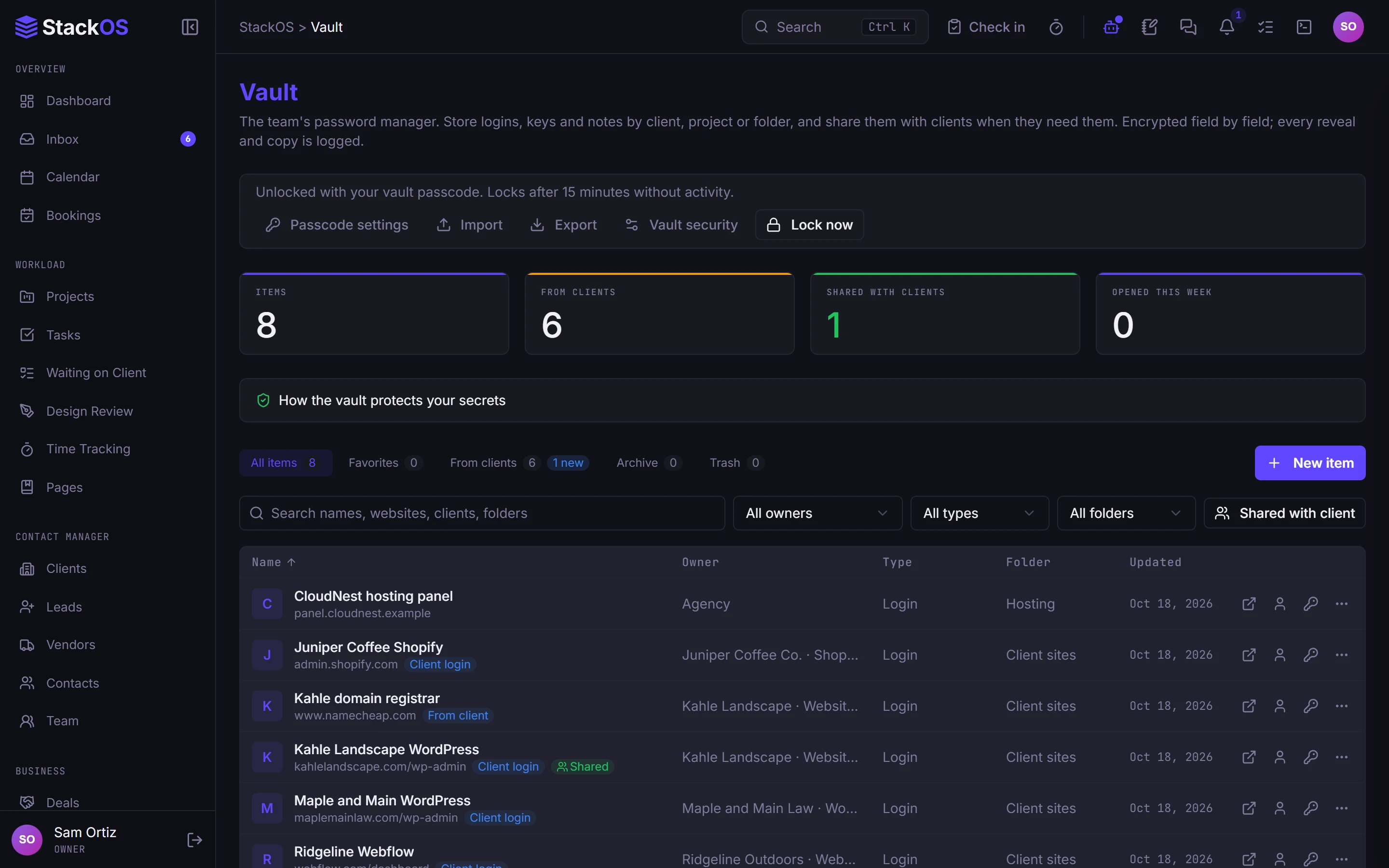
Chat, calendar, and bookings
Team channels, project chats, and direct messages next to the work. One calendar for tasks and deadlines, and booking pages so clients pick a time themselves.
- Team chat
- Calendar
- Bookings
04Pages
Pages, automations, and your brand everywhere
Internal Pages for SOPs and guides, ready-made automations with an on and off switch, branded email and signatures, and up to three brands from one workspace.
- Pages
- Automations
- Branded email
- Email signatures
- Multi-brand
- Nine themes and a command palette
What's included
Everything in Team.
Included on every plan, with nothing to add on.
Pages
Your SOPs and internal guides, searchable, versioned, and attached to the tasks that need them.
Vault
Encrypted passwords with a passcode lock, shared with a client or teammate when you choose.
Bookings
Booking pages so clients pick a time without the email back and forth.
Team and permissions
Per-module permission levels and View As, so new hires see what they need and nothing more.
Org chart
Who reports to whom, and each person's usual working hours.
Team chat
Channels, project chats, and direct messages that live next to the work.
Calendar
Tasks, deadlines, and events on one calendar.
Dashboard
The day's work, money, pipeline, and projects on one home screen.
Automations
Ready-made recipes with an on and off switch, written as plain sentences.
Email signatures
Everyone's email signature matches the brand, with banners and an install link.
Links and QR
Branded short links and QR codes with click stats.
Multi-brand
Up to three brands from one workspace, each with its own logo, sender, and invoice numbering.
Branded email
Client emails come from your domain and sound like you.
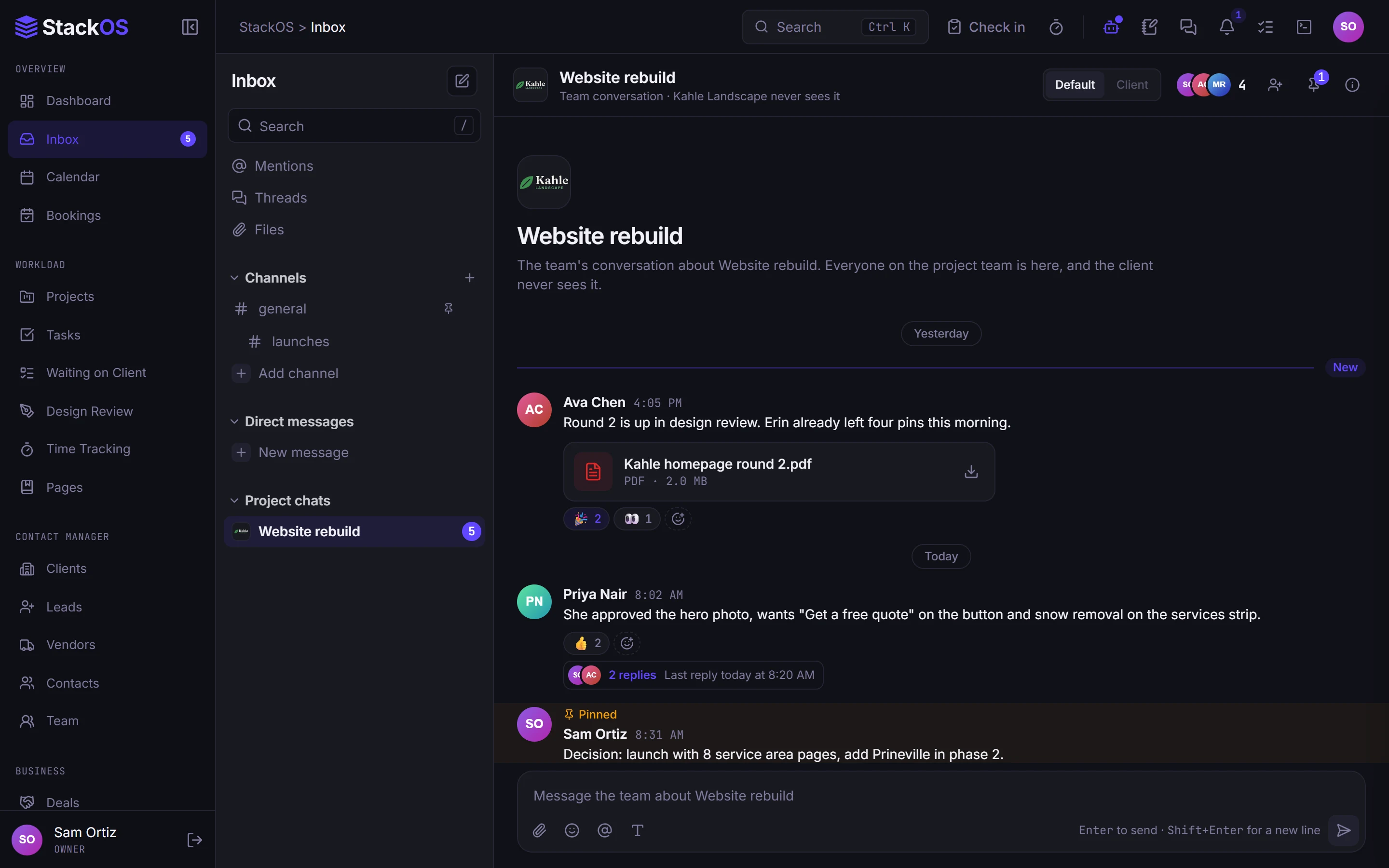
Nine themes and a command palette
Make it look the way you like, and jump anywhere from the keyboard.
Works with the rest of StackOS
Permissions reach every module.
The same permission levels decide what each person sees in clients, projects, money, the vault, and websites, and Nova answers each person within their access.
A fair question
“Is it secure enough for client passwords?”
Secrets are encrypted at rest, the vault has its own passcode lock, team access is set by permission level, and clients only ever see their own company's data.
Frequently asked questions
How much does a teammate cost?
Can a contractor see only one project?
Can I run more than one brand?
Run your whole web studio in one place.
Start with one client. See the difference in a week.
25 web studios. Free during the beta.