
Development and hosting
Your code and hosting, next to the client.
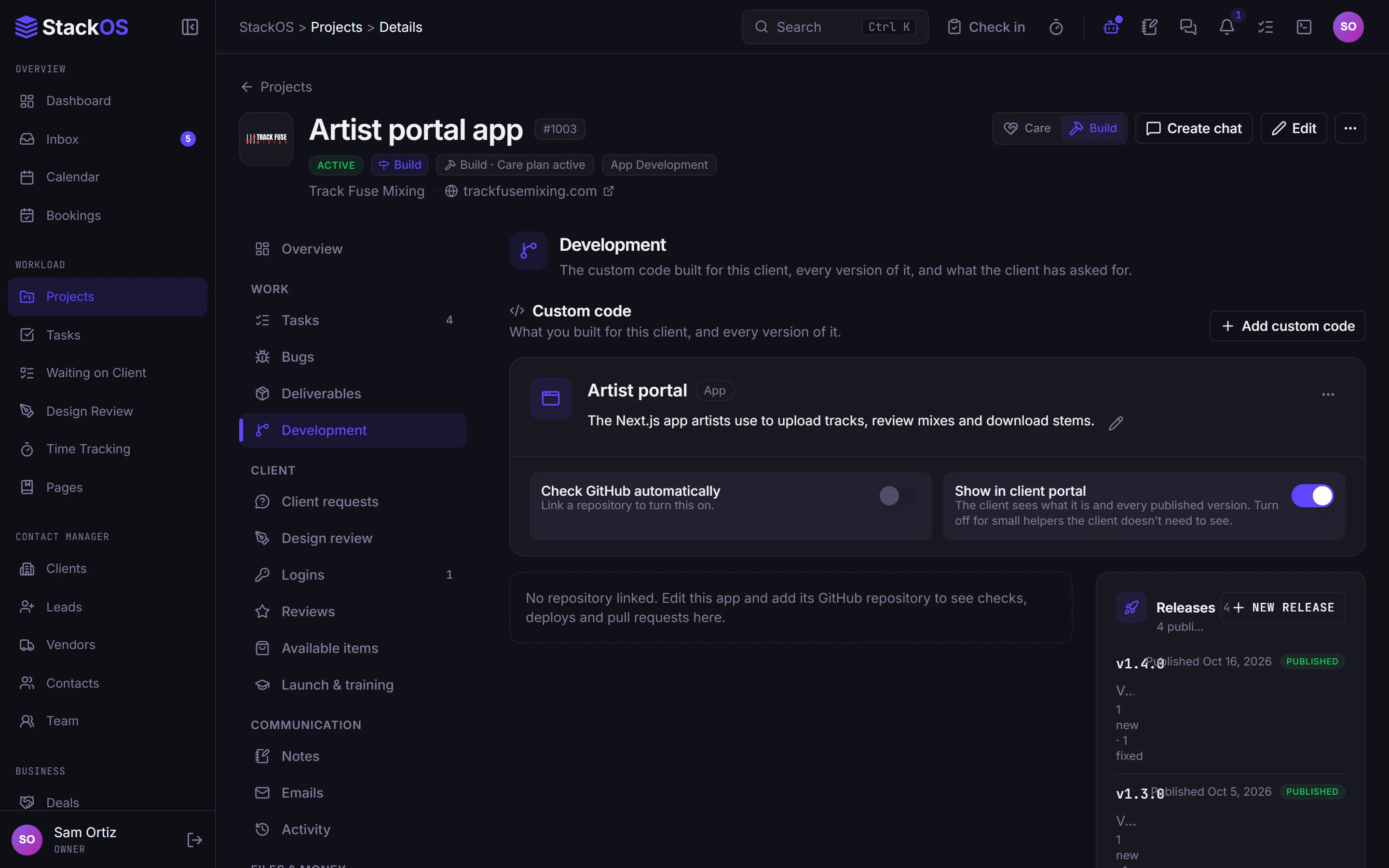
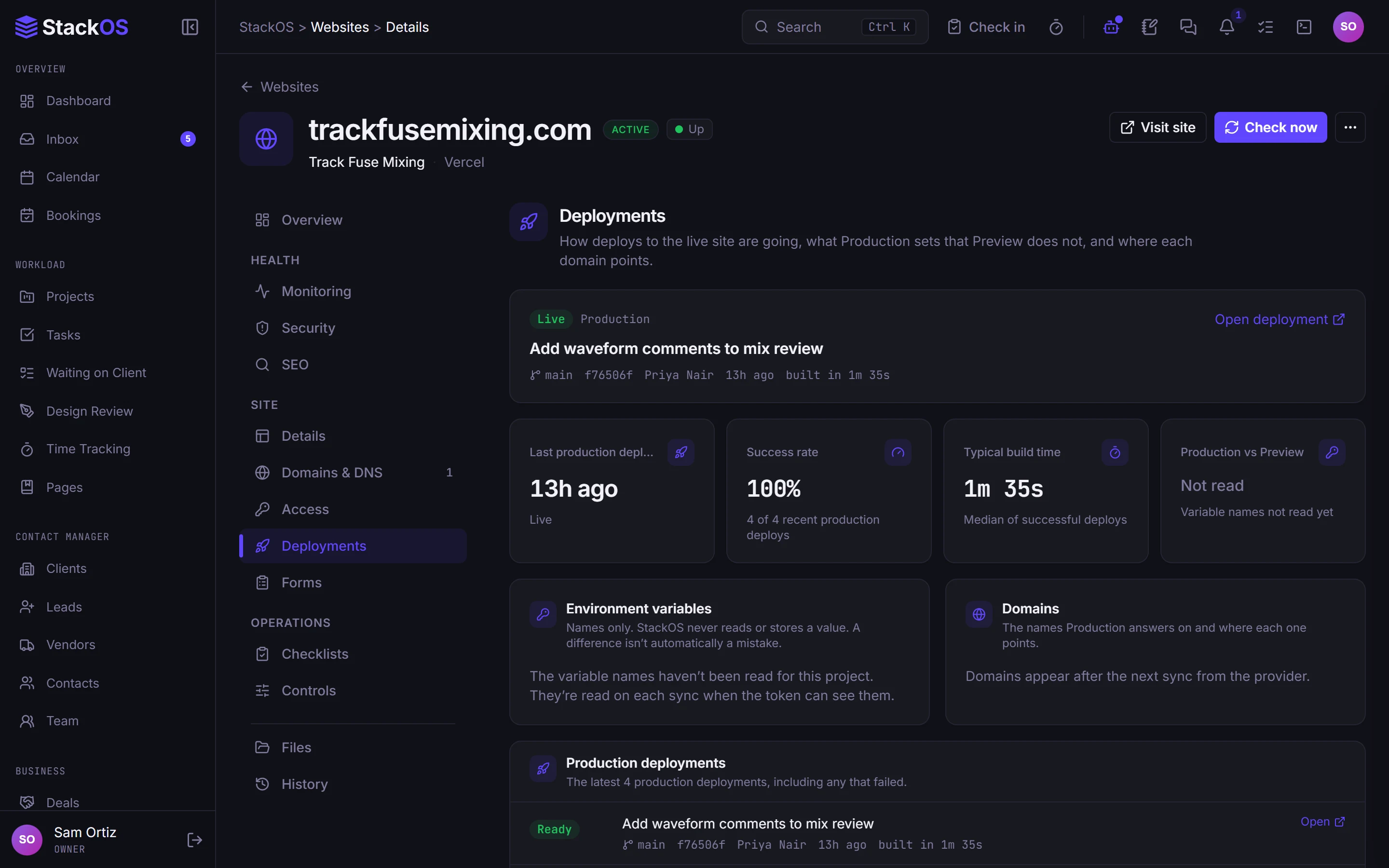
Connect the accounts you build and host with: GitHub, Vercel, Cloudflare, Hetzner, and ServerAvatar. Pull requests, commits, deploys, servers, and code versions show up on the client's project, and clients can see a Development view.
The problem
The code lives in one world and the client in another.
Your repository, your host, your DNS, and your servers each have their own dashboard, and none of them know which client a project belongs to or what you promised them.
01Development activity
GitHub activity on the project
Pull requests and commits appear on the client's project. Release notes draft themselves from merged work, and clients get a Development view of progress.
- Development activity
02Integrations
Hosts and servers you already use
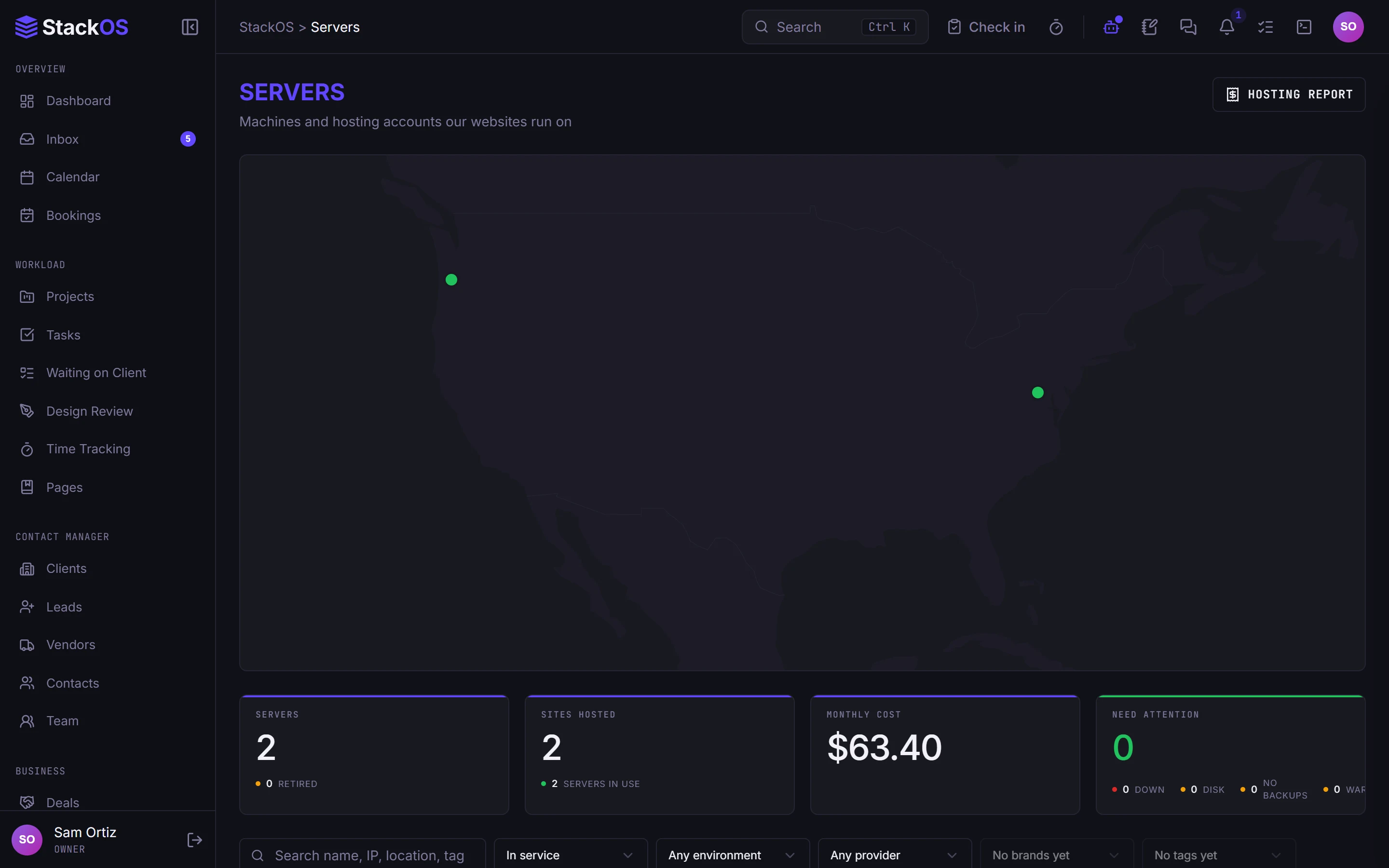
Connect Vercel for project and deploy health, Cloudflare for DNS, redirects, email routing, firewall, and cache purge, and Hetzner or ServerAvatar for server inventory, metrics, and controls.
- Integrations
- Servers
03Development activity
Code items and versions
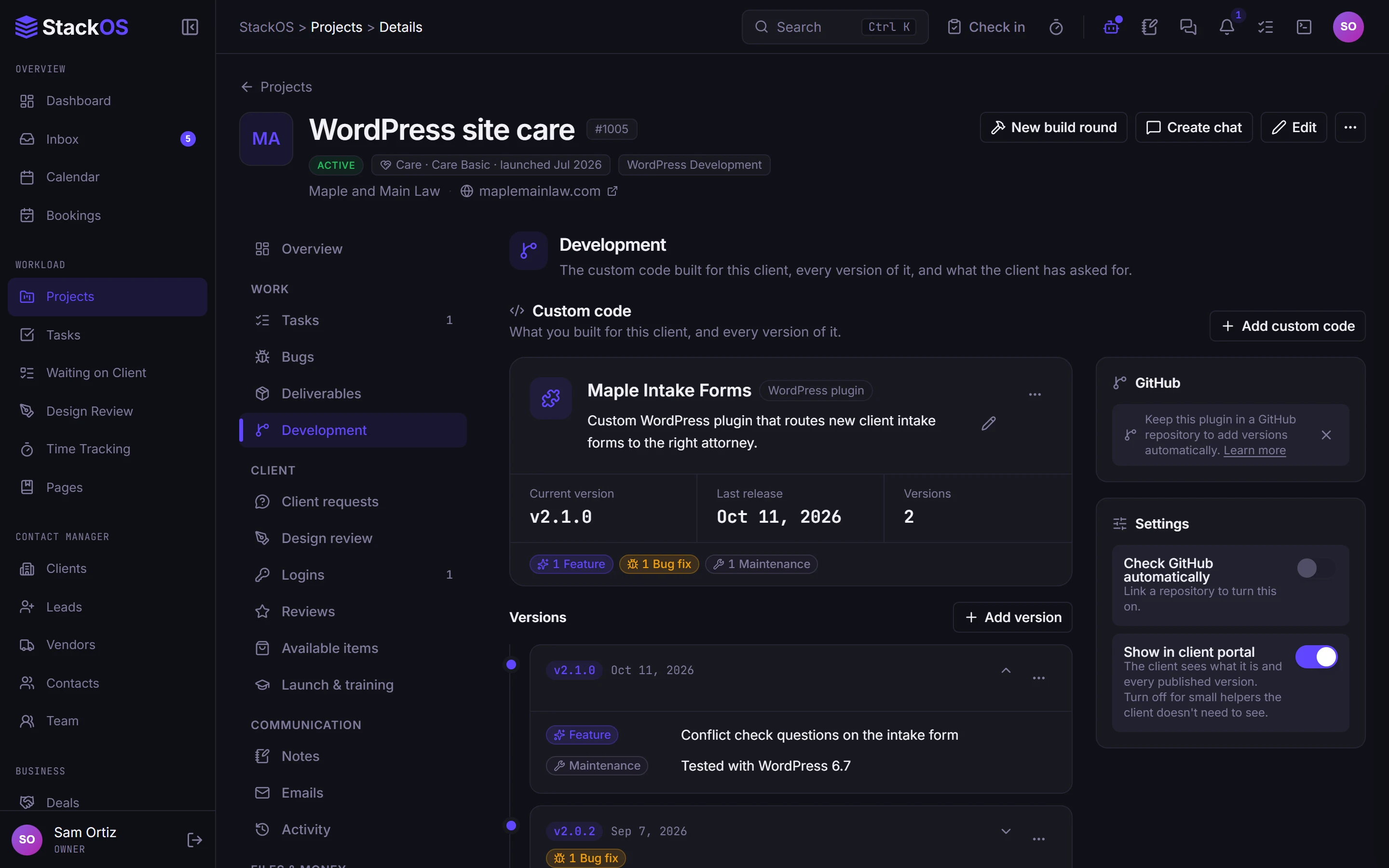
Track plugins and apps you write for clients as code items with versions, so every client knows which build they run.
- Development activity
What's included
Everything in Development.
Included on every plan, with nothing to add on.
Servers
Server inventory, metrics, and controls from your connected hosting accounts.
Integrations
Connect Vercel, Cloudflare, GitHub, Hetzner, and ServerAvatar accounts.
Development activity
Pull requests, commits, code items, and versions on the project, with a Development view for the client.
Works with the rest of StackOS
The repository knows the client.
Code activity, deploys, and servers sit on the same client as the proposal, the invoices, and the monitoring for the live site.
A fair question
“We already live in GitHub and our host's dashboard.”
Keep working there. StackOS reads from the accounts you connect and puts the activity next to the client, so you stop translating code work into status updates by hand.
Frequently asked questions
Which providers does StackOS connect to?
Can clients see development progress?
Does monitoring work for custom-coded sites?
Run your whole web studio in one place.
Start with one client. See the difference in a week.
25 web studios. Free during the beta.