
Invoices and care plans
Invoices they pay. Care plans that bill themselves.
Branded invoices with a pay button, recurring billing for care plans and retainers, payment plans for big projects, and a service catalog clients can browse. StackOS never takes a cut of what your clients pay you.
The problem
The first of the month is invoice day.
You write the same care plan invoices by hand, chase the late ones, and split big projects into payments in a spreadsheet. Then you reconcile it all in your accounting tool.
01Invoices
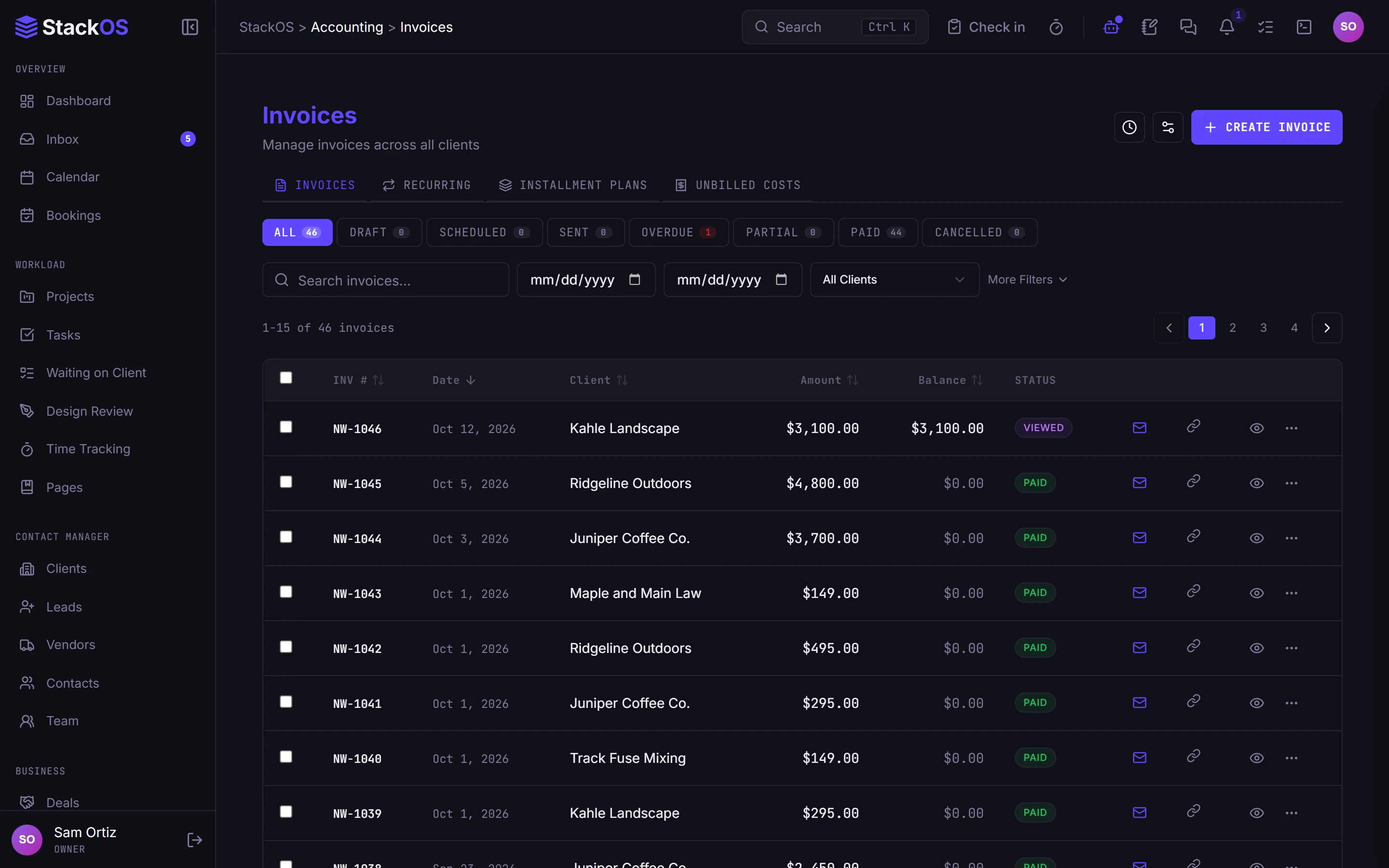
Invoices with a pay button
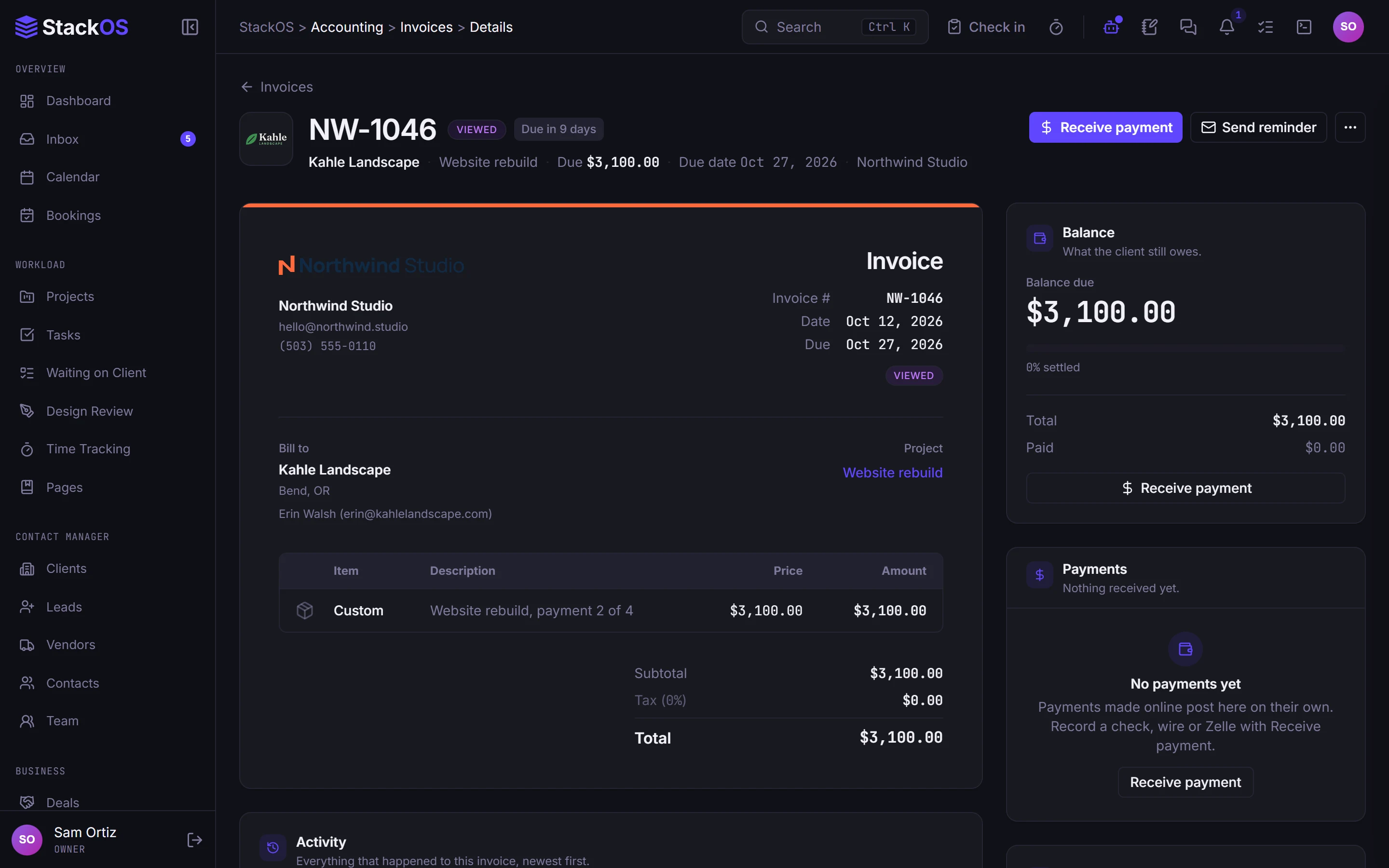
Line items from your service catalog, discounts, tax, PDFs, email, reminders, and online card payment. Clients can save a card for next time.
- Invoices
02Recurring billing and payment plans
Recurring billing and payment plans on autopay
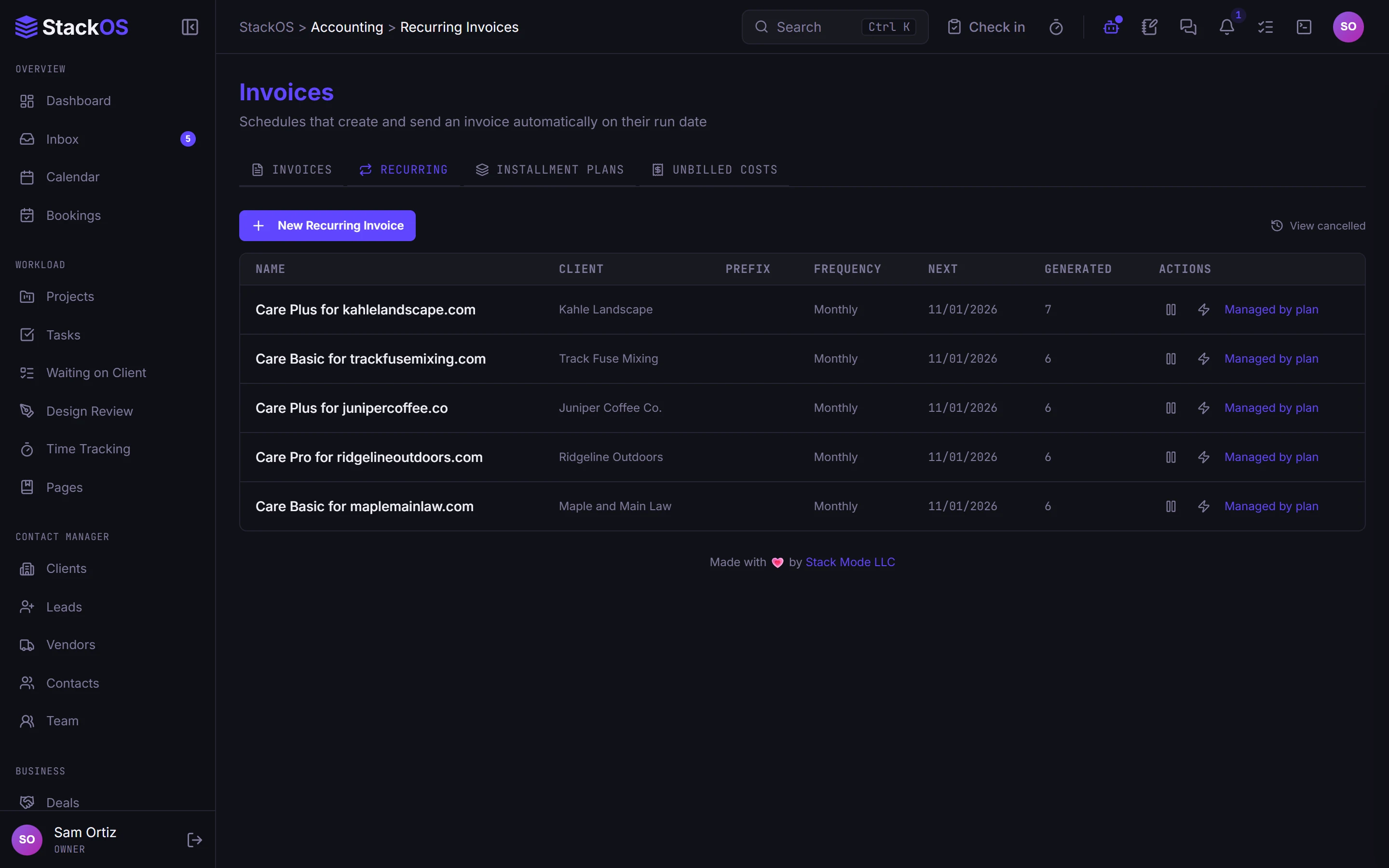
Care plans and retainers bill themselves on a schedule and charge the saved card. Split a large project into an installment plan and let autopay collect it.
- Recurring billing and payment plans
03Services and packages
Services and packages clients can request
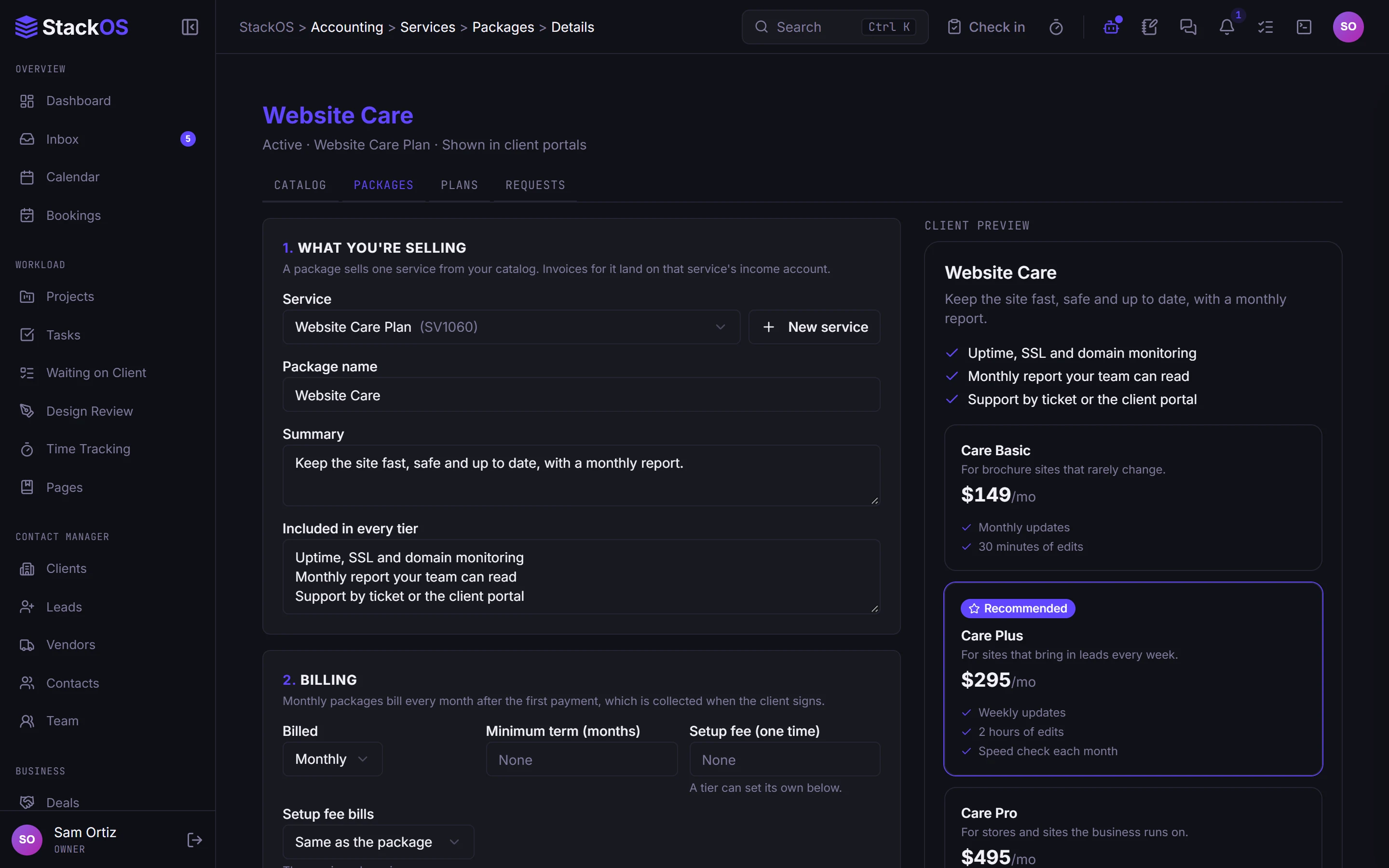
Package your services into tiers and ongoing plans once. Clients browse them in their portal and request one, and you price every proposal from the same catalog.
- Services and packages
What's included
Everything in Billing.
Included on every plan, with nothing to add on.
Invoices
Branded invoices with a pay button, reminders, tax, discounts, and PDFs.
Recurring billing and payment plans
Care plans and retainers bill themselves on autopay, and big projects split into payments.
Services and packages
Your services packaged and priced, so clients can request them from their portal.
Works with the rest of StackOS
Every payment lands in the books.
Invoices, payments, and recurring billing post to the double-entry ledger when you use Books, and every invoice sits on the client record next to the project it paid for.
A fair question
“Do you take a fee on my invoices?”
No, never. Your clients pay you through Stripe at Stripe's standard processing rates. StackOS adds nothing on top, and you keep all of your revenue.
Frequently asked questions
Which payment processor does StackOS use?
Can clients turn on autopay themselves?
Can I bill a project in installments?
Run your whole web studio in one place.
Start with one client. See the difference in a week.
25 web studios. Free during the beta.