
Client portal
Give clients the portal they expect.
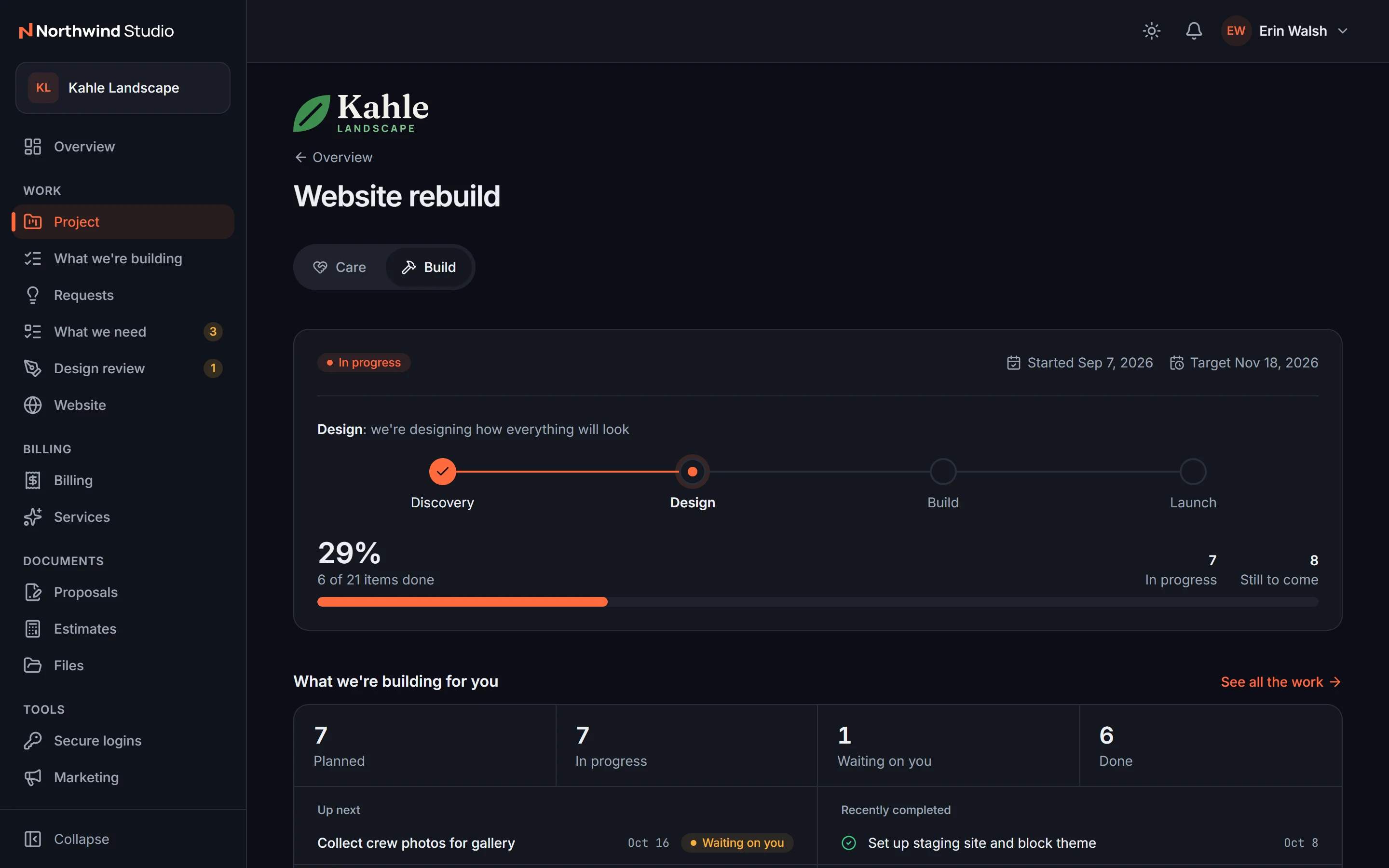
Your clients log in to see their projects, approve designs, answer your requests, pay invoices, share logins safely, and check on their website. It carries your brand, not ours, and client logins are free.
The problem
Clients cannot see the work, so they email.
Status questions, lost attachments, invoices buried in inboxes, and passwords sent in plain text. Every project generates a second job: keeping the client informed.
01Client portal
Everything about their account, in one login
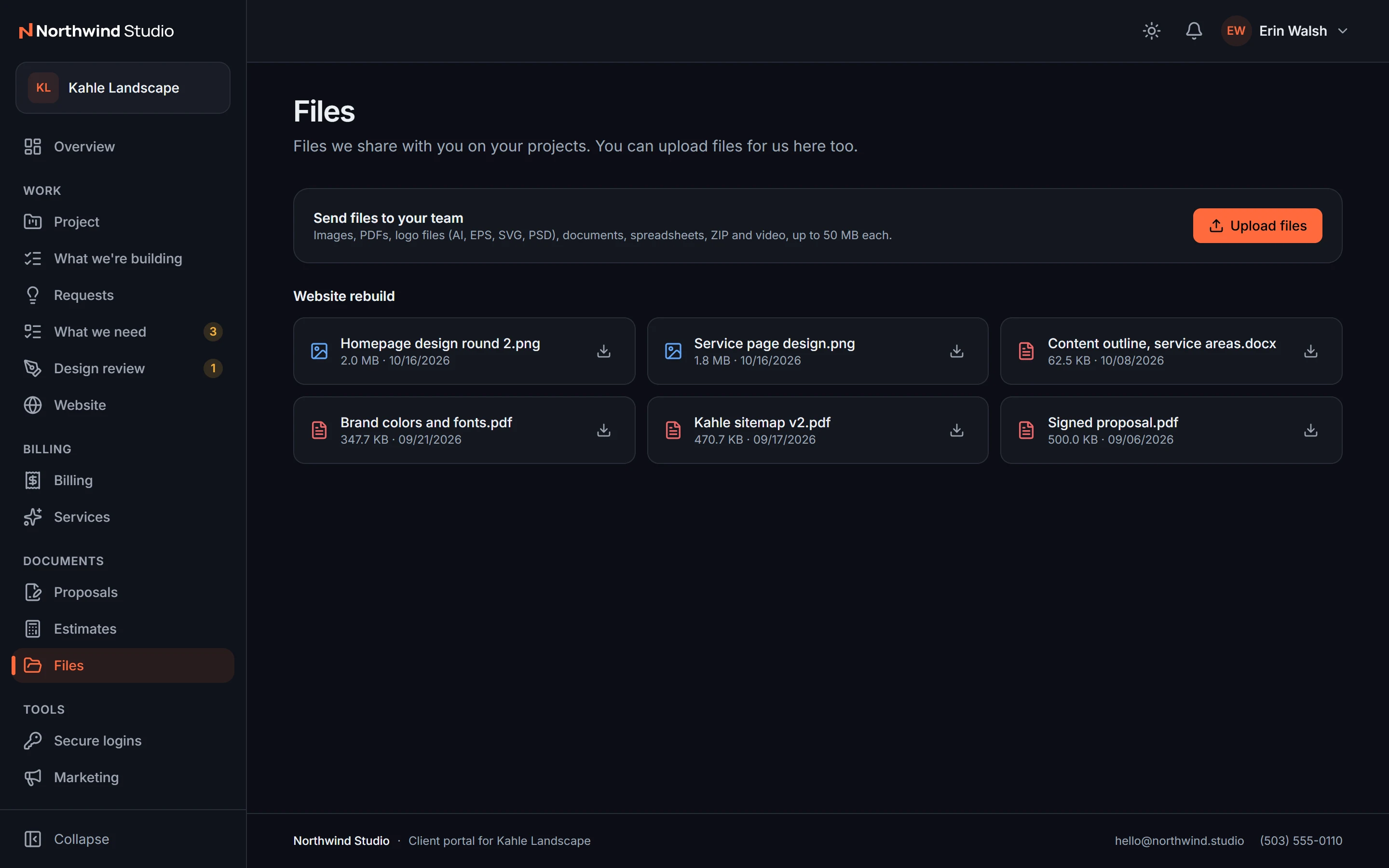
Projects, tasks you choose to share, files, proposals, estimates, messages, meetings, forms and surveys, and their team at your studio. Clients with more than one company switch between them in one login.
- Client portal
02Portal billing
Billing they handle themselves
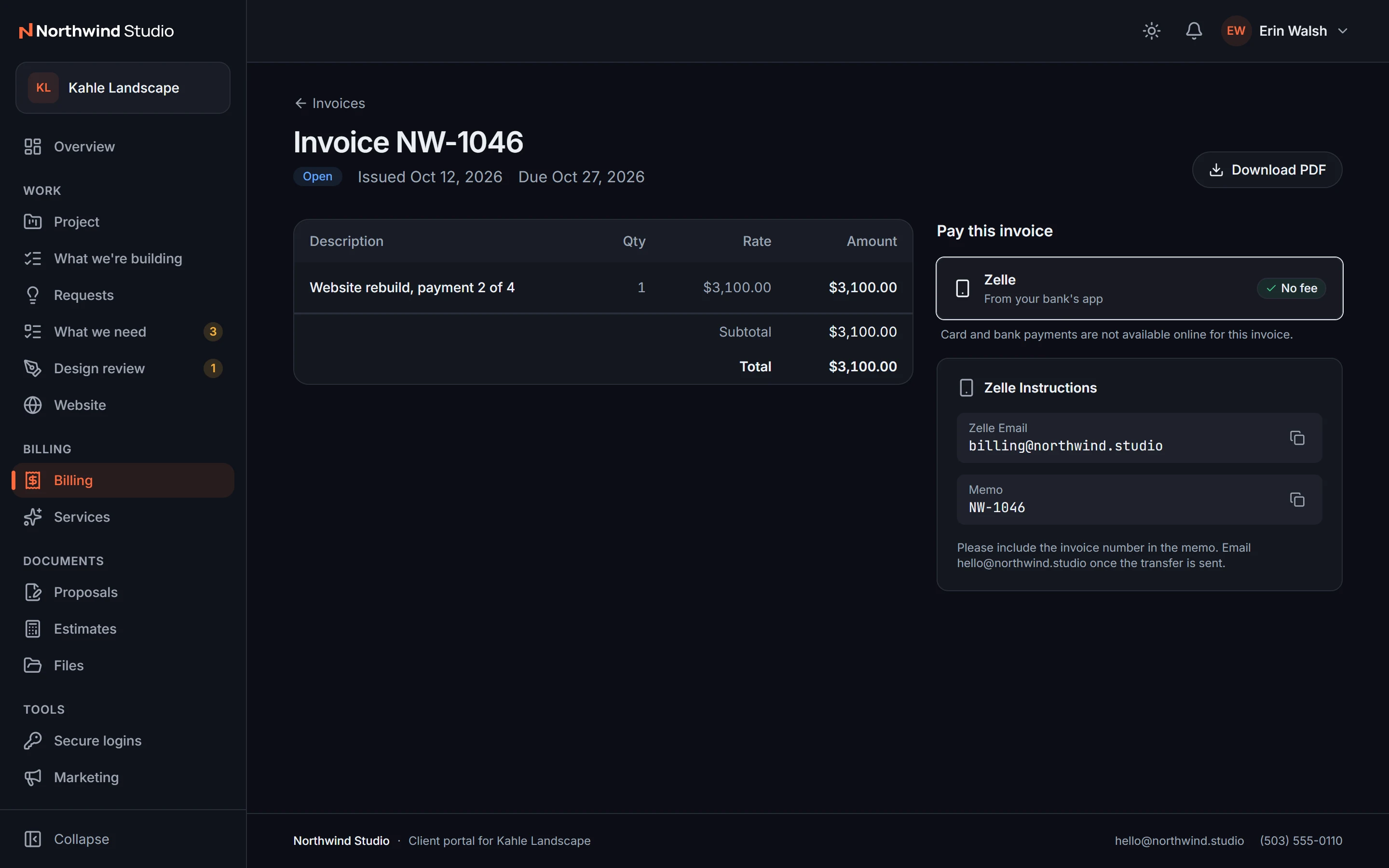
Clients see their invoices, pay by card, save a card, and turn on autopay. You stop chasing payments one email at a time.
- Portal billing
03Client help and training
Help, support, and training in one place
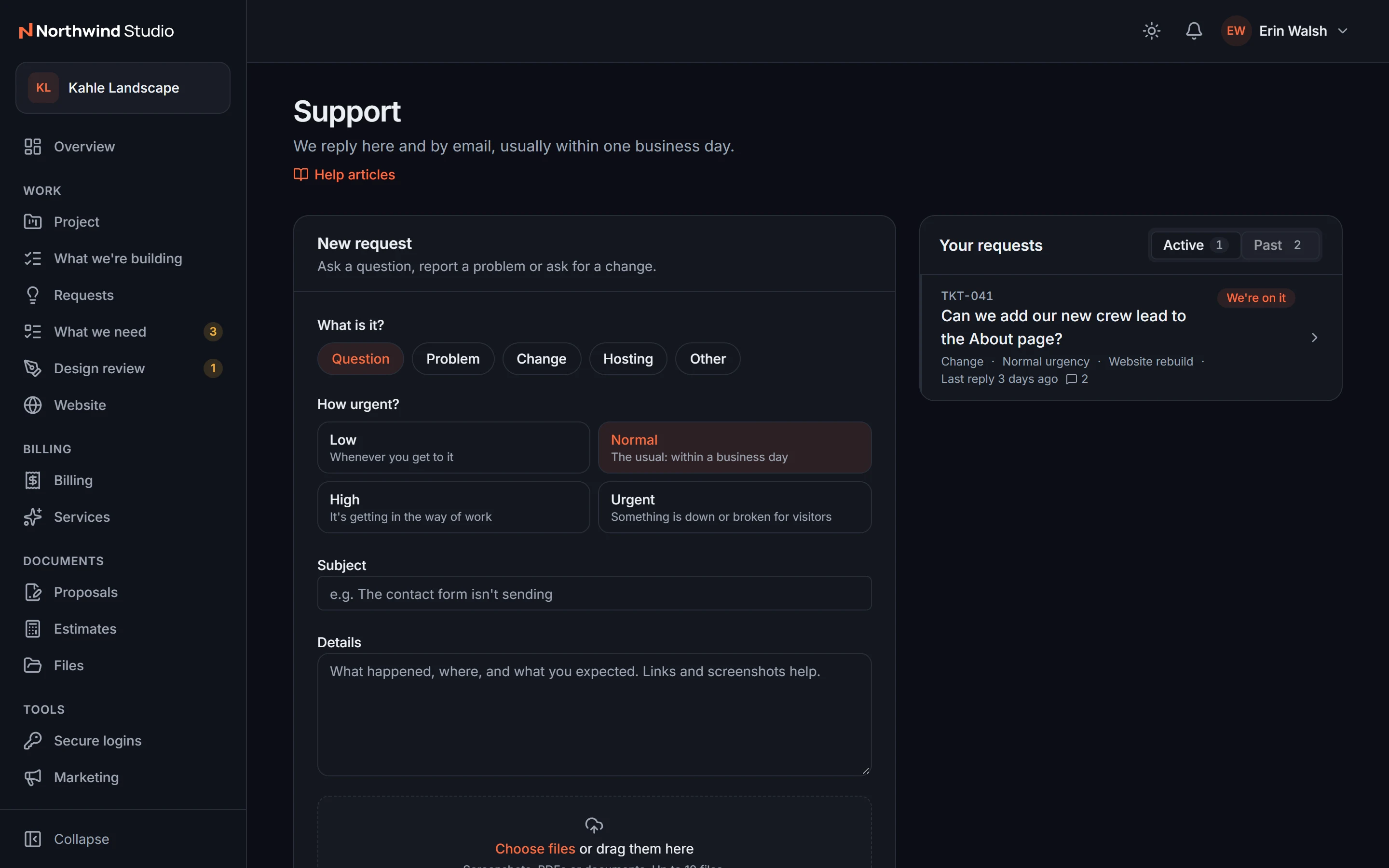
Write help articles and training videos once and publish them to clients. Support tickets with replies and attachments give client questions a home that is not your inbox.
- Client help and training
- Support tickets
04Portal marketing tools
Marketing tools you can offer clients
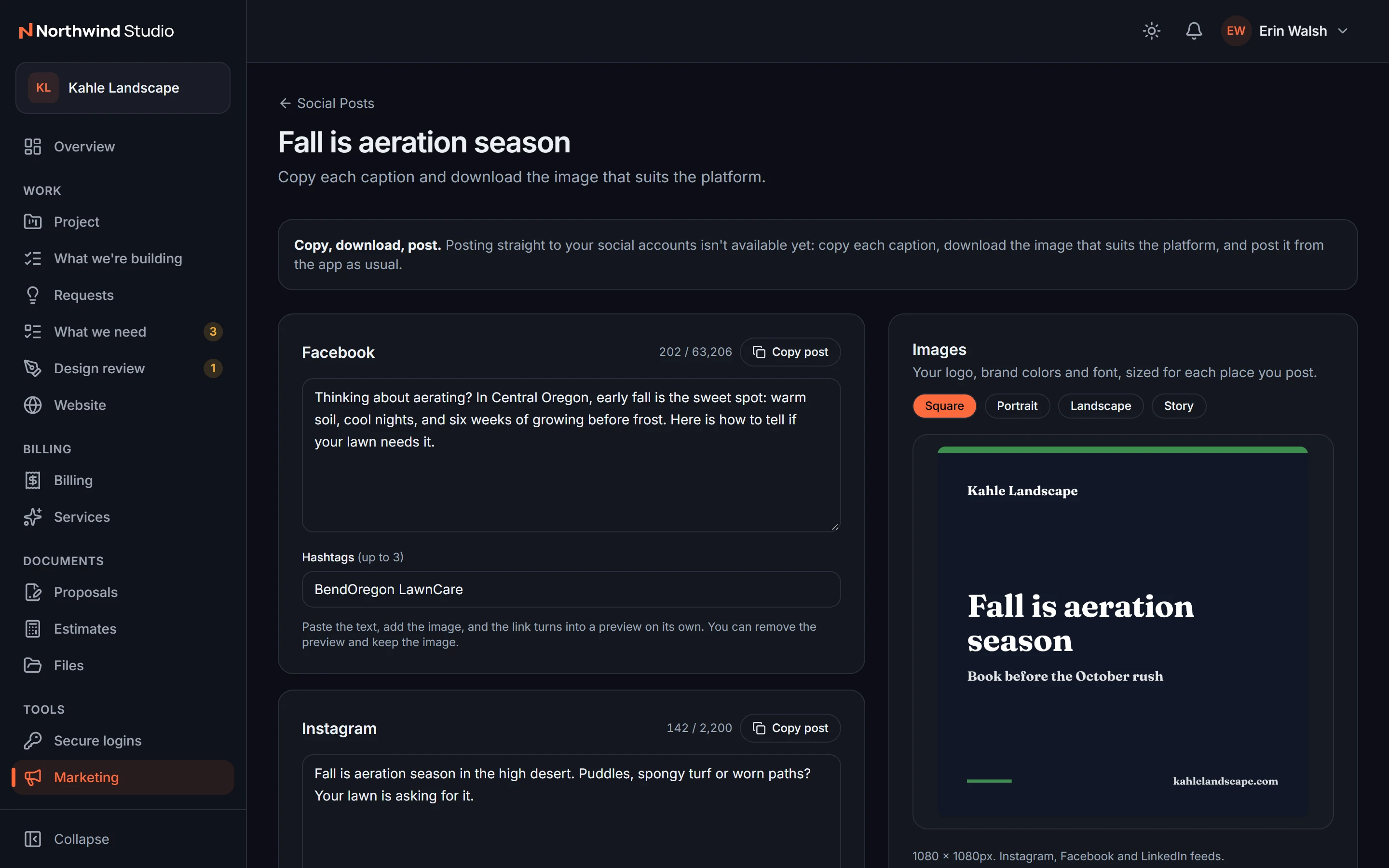
Give clients social post writing, Google Business posts, review replies, competitor watch, their brand kit, and forms and surveys, inside the portal you already run.
- Portal marketing tools
- Brand kit
- Forms and surveys
- Reviews
What's included
Everything in Client portal.
Included on every plan, with nothing to add on.
Client portal
Projects, files, approvals, messages, and their team, under your brand.
Portal billing
Clients pay by card, save it, and turn on autopay themselves.
Support tickets
Client support has a home that is not your inbox.
Client help and training
Answer common questions once, with articles and videos in the client's portal.
Forms and surveys
Lead, quote, and onboarding forms for any website, plus questionnaires and NPS surveys in the portal.
Reviews
Review requests and testimonials you can show on your own site.
Brand kit
Each client's logos, colors, and fonts, always at hand and shared in their portal.
Portal marketing tools
Social posts, Google Business posts, and review replies written for your clients.
Works with the rest of StackOS
The portal is the client side of the whole studio.
Every project, invoice, request, and website report the portal shows comes straight from the records your team already keeps. There is nothing to sync.
A fair question
“Will our clients actually use another login?”
Stack Mode's clients liked the portal so much that many asked Stack Mode to build technology like it for their own businesses. It works on a phone, and it holds what clients come back for: approvals, invoices, and their website's health.
Frequently asked questions
Do client logins cost extra?
Is the portal white label?
Can clients share passwords safely?
Run your whole web studio in one place.
Start with one client. See the difference in a week.
25 web studios. Free during the beta.